
Generate a New Azure AD (Entra) SSO Certificate
In a ServiceNow <-> Azure AD SSO Enterprise App Integration a Certificate is required. This Certificate is time based and will eventually expire. This blog show how to generate a new certificate and how to apply this in Service Now.
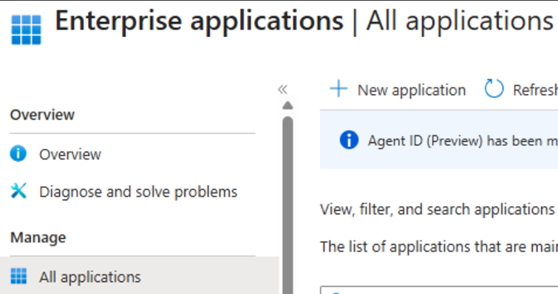
- Login to MS ‘Enterprise Applications’.
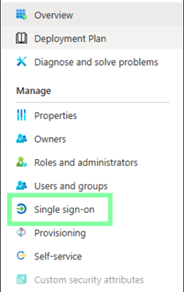
2. Go to ‘Single sign-on’.
3. Click ‘Edit’.
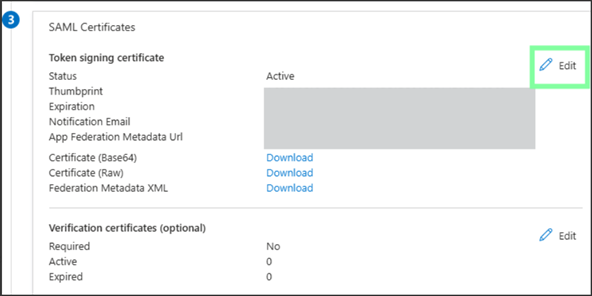
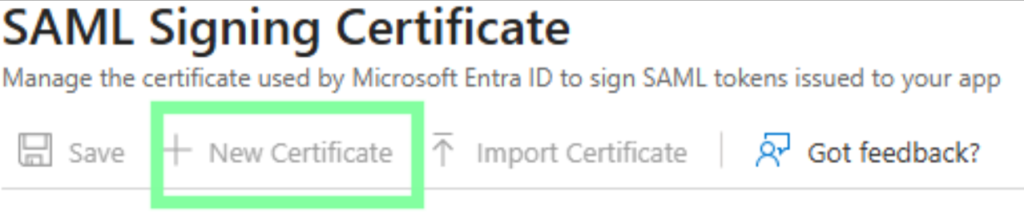
4. Click ‘New Certificate’.
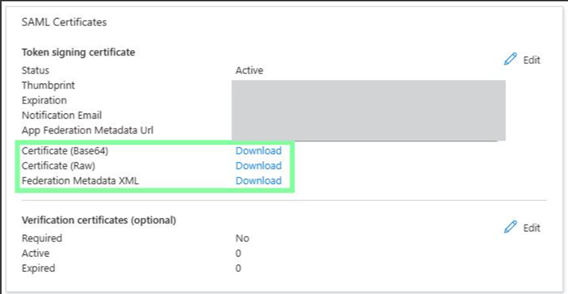
5. Download the 3 Certificates.
Apply New Certificate in ServiceNow (Identity Provider Record)
- Locate the ‘Identity Provider’ record that holds the SSO Config for the Integration in question – Upload new certificate:
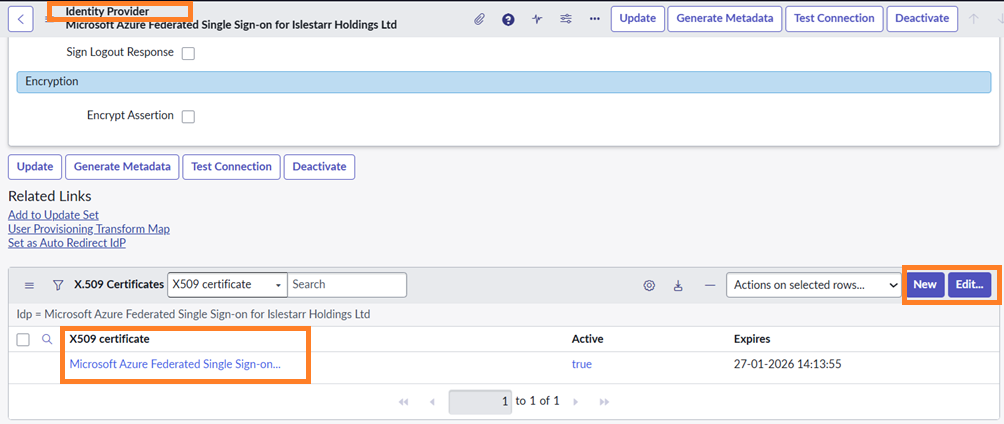
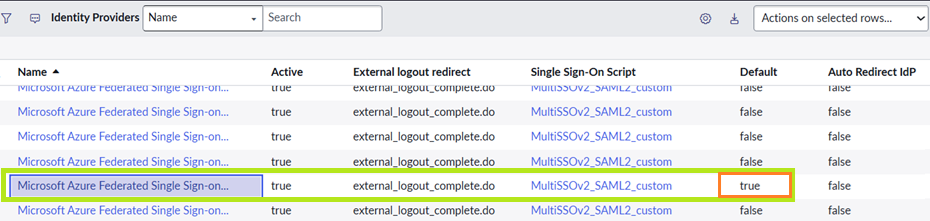
2. If you have multiple Integrations then confirm that you have the correct ‘Default’ in place after save. Reason being is that the last updated/new record saved becomes ‘Default’ per automation which may not be correct: